Top Computerized Embroidery Secrets for Stunning Results
Imagine picking up a plain t-shirt and turning it into something special with vibrant patterns that catch everyone's eye. That's the real power of computerized embroidery. It brings your ideas to life quickly and accurately. In this article, we'll share practical secrets to help you get amazing results every time. Whether you're starting out or have some experience, these tips will make your projects stand out. With new machines in 2025 offering wireless connections and smarter features, it's easier than ever to create professional-looking work at home.
Many people start computerized embroidery as a hobby. Soon, they make gifts or even sell items. The key lies in knowing a few smart tricks.
Why Computerized Embroidery Excels Today
Computerized embroidery uses machines that follow digital designs. You create or download a pattern. Then, the machine stitches it perfectly. This beats hand embroidery for speed and detail.
Modern machines handle thick fabrics like denim or delicate ones like silk. They also manage multiple thread colours automatically. In 2025, brands like Brother release models with larger screens and app connections.
One big advantage? Consistency. The same design looks identical on every piece. This helps if you make uniforms or personalised gifts.

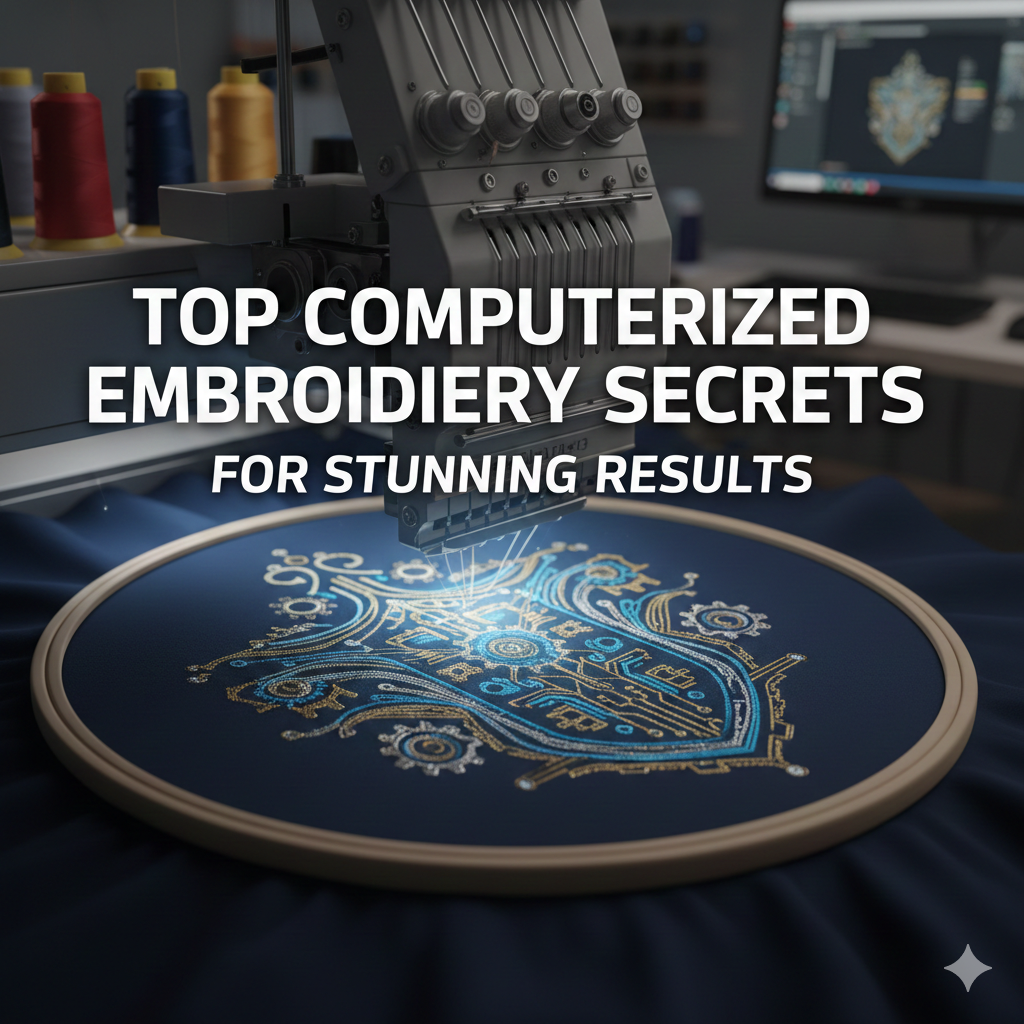
A modern computerized embroidery machine in action creating detailed patterns.
Secrets to Choosing the Best Computerized Embroidery Machine
Pick the right machine to avoid frustration later. In 2025, top picks include the Brother SE2000. It combines sewing and embroidery with a large touchscreen and wireless design transfer.
Beginners should look for auto-threading and built-in tutorials. These features save time and reduce mistakes. For more advanced users, consider multi-needle options like the Brother models. They switch colours faster.
Check the hoop size too. A 5x7 inch area lets you do bigger designs without re-hooping often.
Here's what to prioritise:
- Ease of use: Touchscreens and clear menus.
- Connectivity: USB or Wi-Fi for easy uploads.
- Built-in designs: Hundreds to start practicing.
- Brand support: Good warranties and local service.
Test a few if possible. Many shops let you try before buying.
Mastering Software for Computerized Embroidery Designs
Software turns your ideas into stitch files. Popular choices in 2025 include Embrilliance Essentials for beginners and Hatch Embroidery for more features.
Start by importing images. Then, adjust stitch types – satin for shiny borders, fill for solid areas. Good software shows previews so you spot issues early.
A secret tip: Use auto-digitizing first. Then, tweak manually for better results. This saves hours on complex patterns.
Many programs now have AI tools. They suggest improvements automatically.
Practice resizing designs. Keep stitch density balanced to avoid puckering.
For inspiration, check free designs online. But always test on scrap fabric.
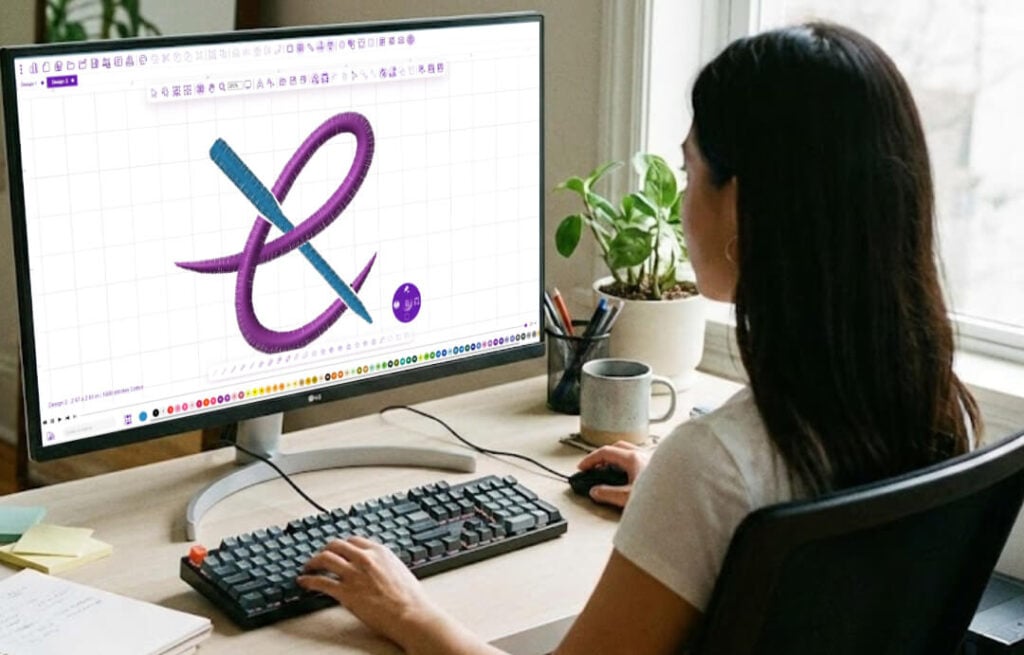
Editing a design in professional embroidery software.
Thread, Fabric, and Stabilizer Secrets
Quality materials make all the difference in computerized embroidery. Use polyester threads for strength and shine. Brands like Madeira or Isacord hold colours well after washing.
Match needle size to thread weight. A 75/11 needle works for most 40-weight threads.
Fabrics need stabilizers. Tear-away for stable cottons, cut-away for stretchy knits. Toppers prevent stitches sinking into fluffy towels.
Try these combinations:
- Cotton tees: Medium tear-away stabilizer.
- Hoodies: Cut-away plus spray adhesive.
- Caps: Special cap hoops and heavy stabilizer.
Slow the machine speed for metallic threads. This prevents breaks.
Wash test your samples. Good materials keep designs looking fresh.

Essential tools and materials neatly arranged.
Essential Techniques for Flawless Stitches
Hooping correctly is a top secret. Pull fabric tight but not distorted. Use the right hoop size to fit your design.
Add underlay stitches. They stabilise before main stitching and reduce puckering.
For letters, choose dense fills carefully. Too much causes bulging.
Another tip: Mirror designs for left chest logos. This ensures they face the right way.
Clean your machine often. Dust builds up and affects tension.
Pause during long runs. Check for thread issues early.
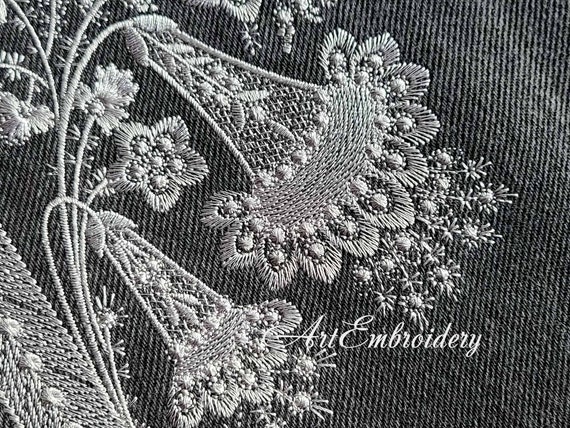
Beautiful detailed result achieved with proper techniques.
Troubleshooting Common Problems in Computerized Embroidery
Thread nesting underneath? Re-thread the top and check bobbin tension. Often, it's a simple fix.
Designs shifting? Secure the hoop better or use more stabilizer.
Birdnesting happens from poor tension. Adjust gradually and test.
Needles breaking? Use the correct type – ballpoint for knits, sharp for wovens.
Update your machine firmware. 2025 models fix bugs regularly.
Keep notes on what works. Over time, problems happen less.
Advanced Secrets for Professional-Level Results
Add 3D puff for raised effects on caps. Use foam under stitches.
Blend threads for gradients. Some software simulates this well.
Try appliqué. It adds fabric pieces for texture with less thread.
Eco trends grow in 2025. Use recycled threads and organic fabrics.
For business, price by stitch count. Aim for quality over speed at first.
Learn from communities. Sites like Embroidery Legacy offer great guides.
Check our reviews for more machine ideas. (Internal link: Best Embroidery Machines)
Quick FAQs About Computerized Embroidery
Can beginners succeed quickly? Yes, with practice and good tutorials.
How much does a starter setup cost? Around $500-1000 for machine and basics.
Do I need a powerful computer? No, most software runs on standard laptops.
What's the best fabric to start with? Stable cotton quilts or tees.
How do I care for embroidered items? Wash inside out on gentle cycle.
These cover common questions people ask when starting.
Your next project could turn out better than you expect. Try one secret today – maybe better stabilizing or new software. Share your results with us or join our newsletter for more tips. What will you stitch next? Let's make something beautiful.